
Sign in to Portal by Hub
How to sign in to Portal by Hub on web or mobile
1. Go to Portal by Hub
Portal by Hub is available on the web at portal.hub.inc. You can also download the mobile app from the App Store or Google Play.
Portal by Hub is free for every authorized government agency. No contract is needed. If your agency is authorized, you can sign in immediately with your work email. Learn how to request access if you need help getting started.
2. Sign in with verification code
We recommend signing in with a verification code. You only need to enter it once, and there are no passwords to remember.
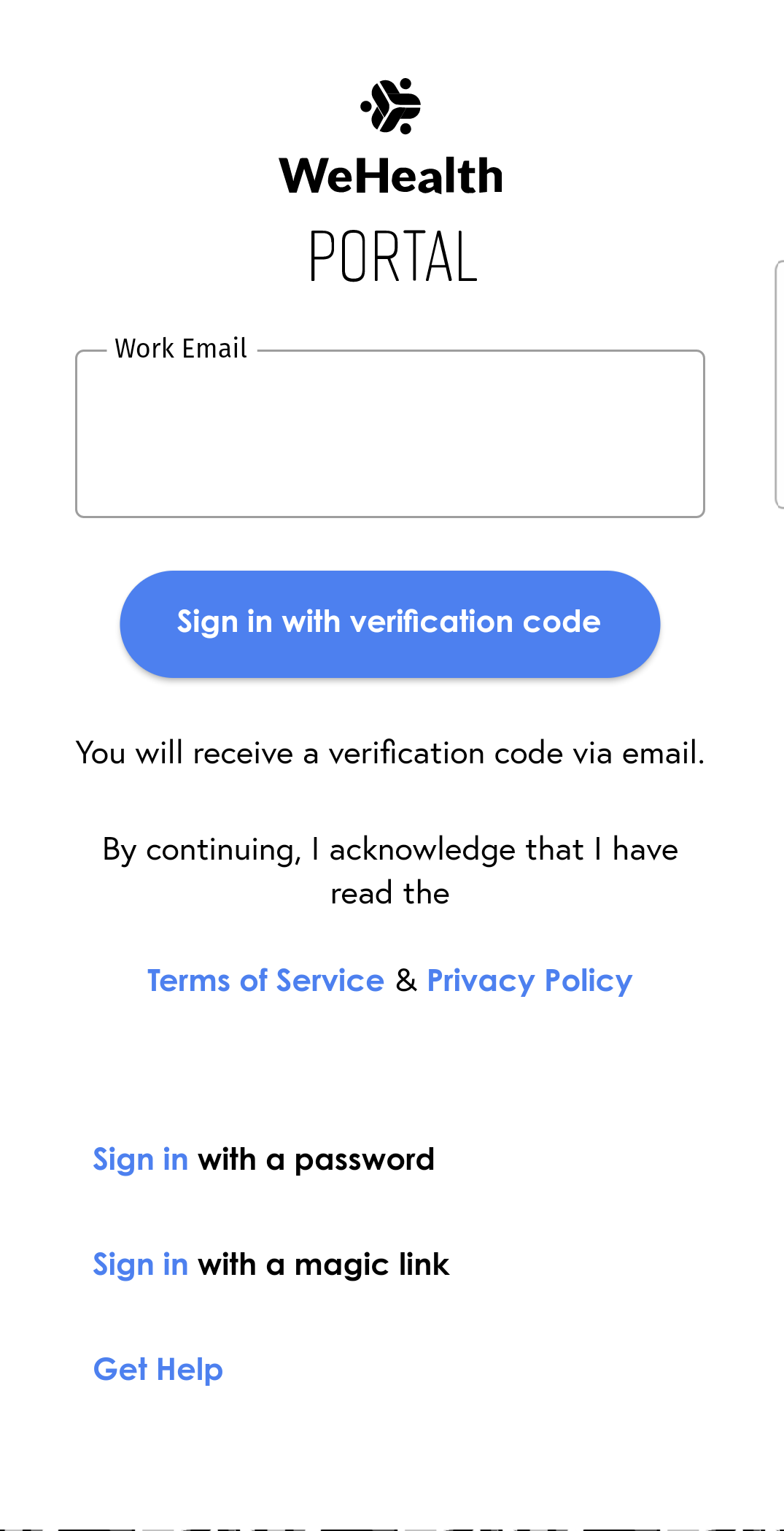
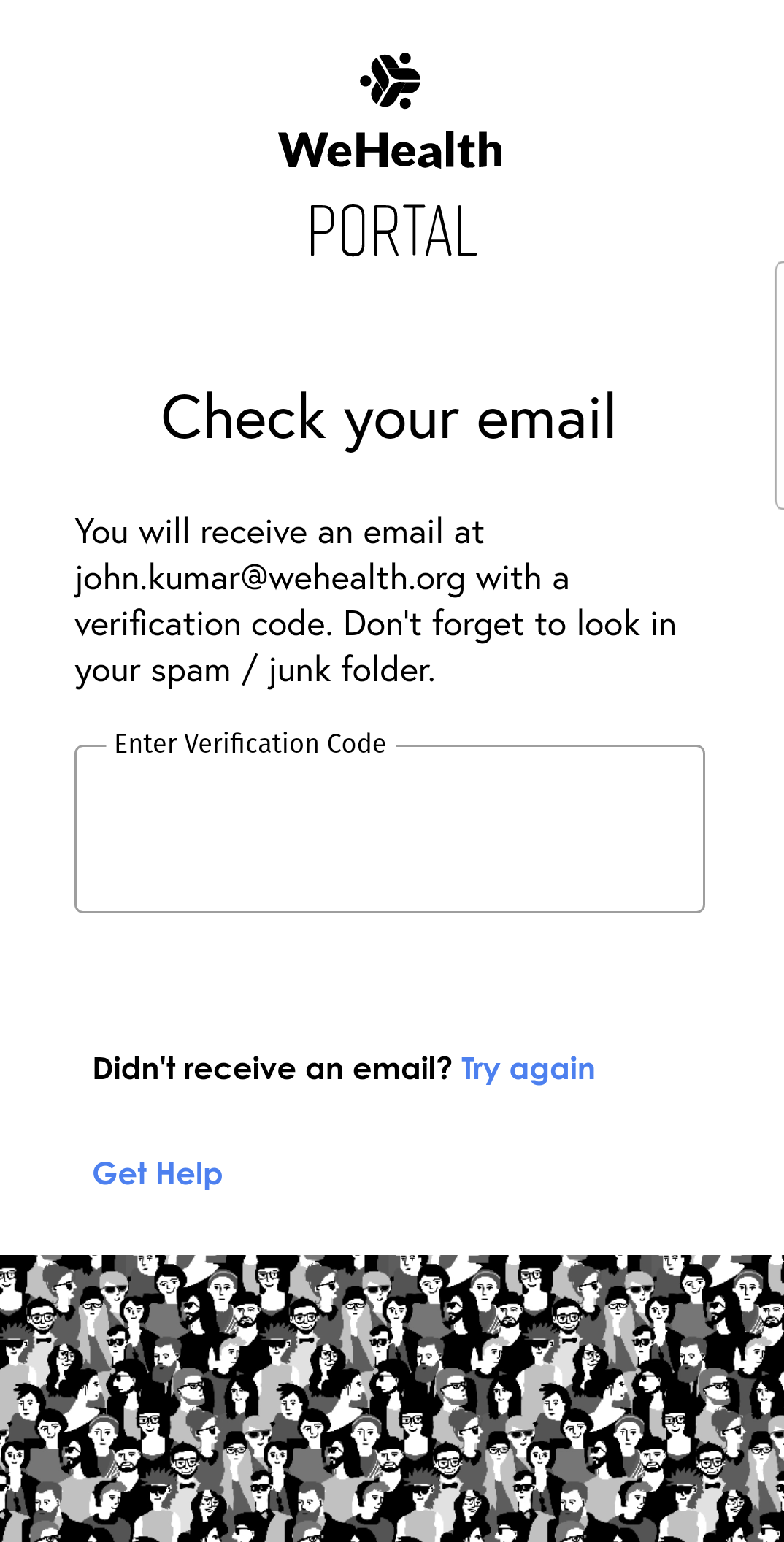
Enter your work email address and tap "Sign in with verification code."
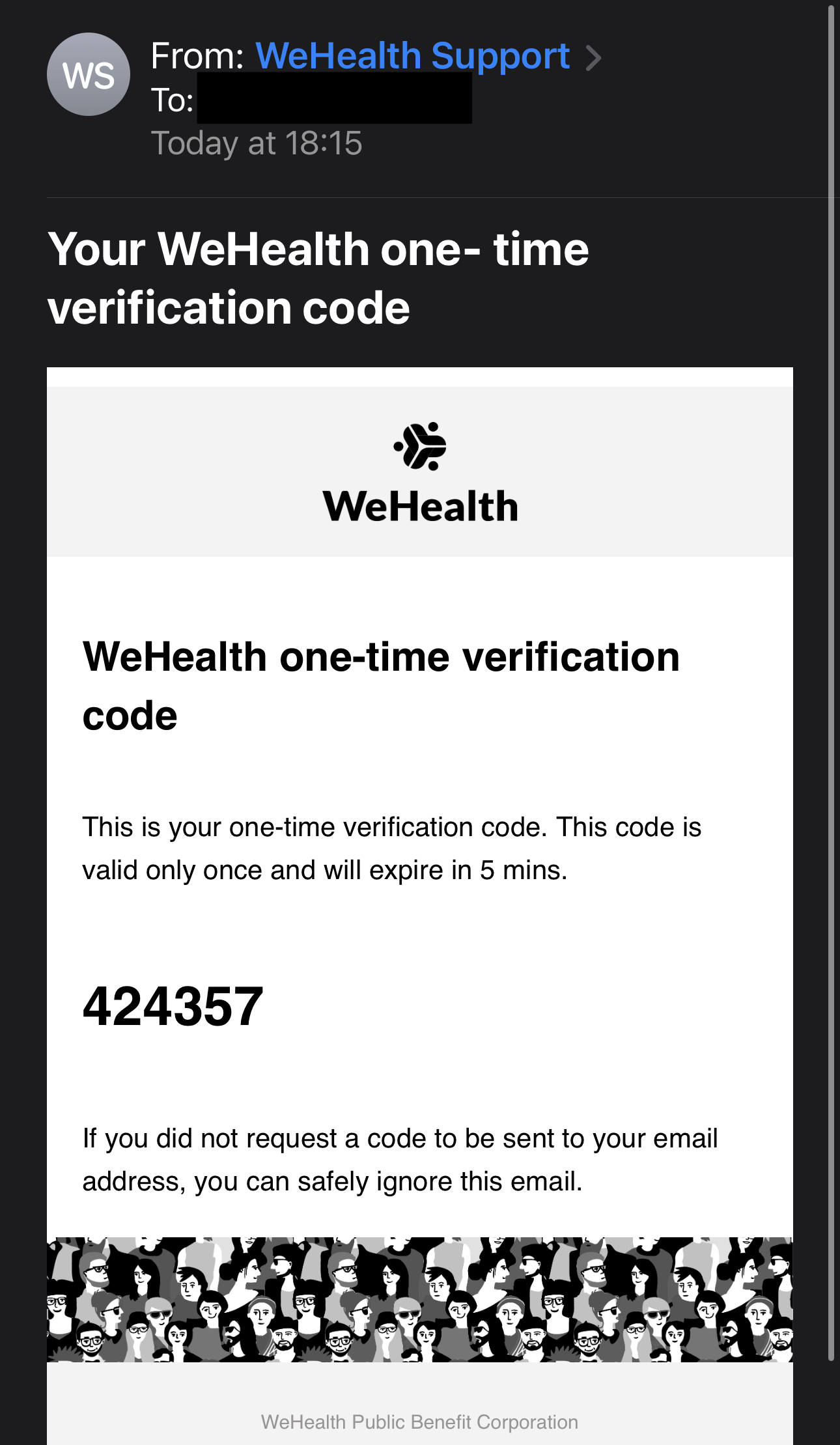
Check your email for the verification code. The email subject will say "Your one-time verification code" and the sender will be Hub Support. If you do not see the email, check your spam folder. You may need to add Hub Support to your safe-senders list and try again.
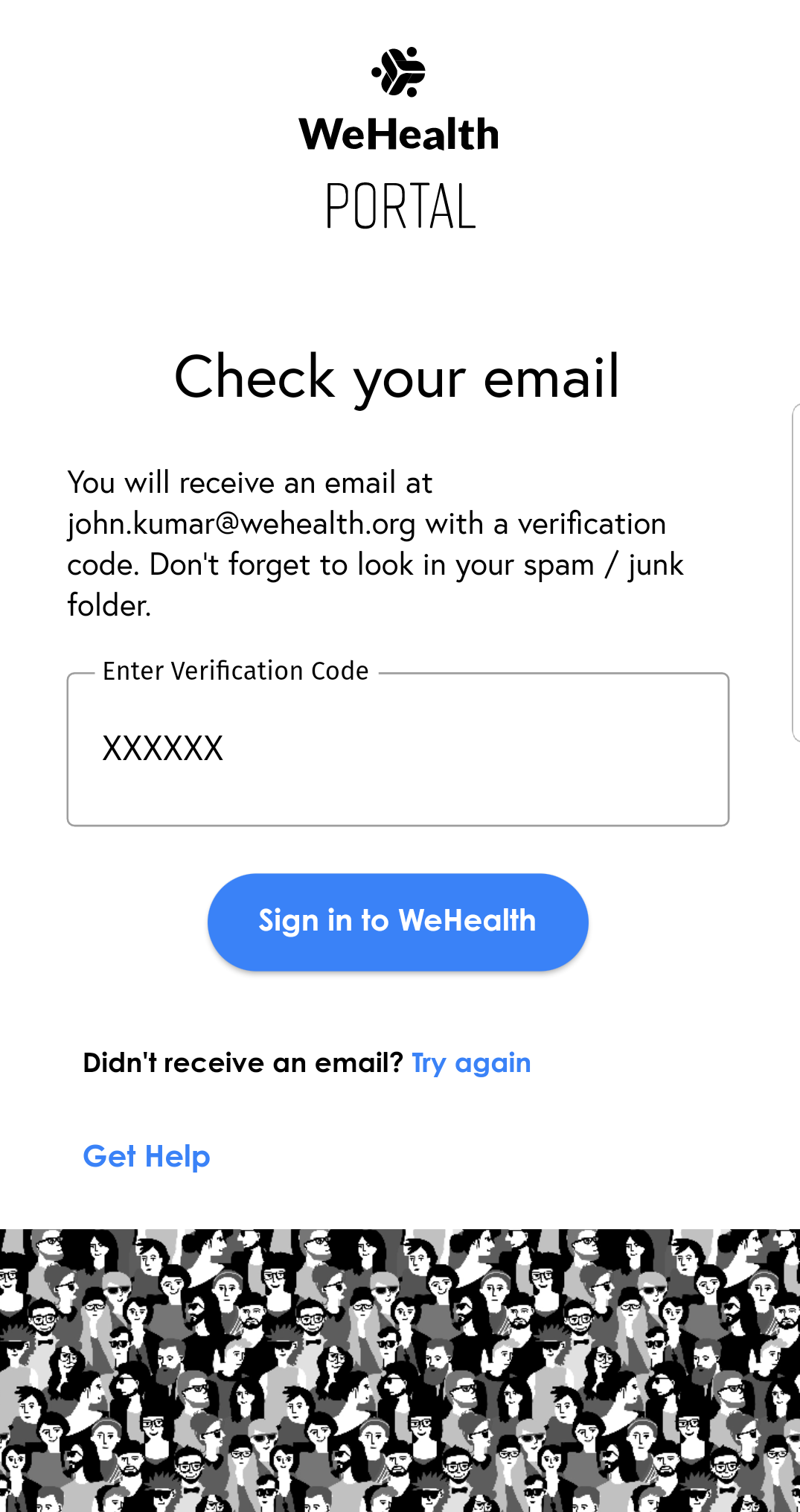
Enter the verification code and tap Continue.
Get Help
If you have any issues signing in, visit support.hub.inc to submit a ticket. Our team will be happy to help.